FileZipper Beta
A downloadable tool
FileZipper: Compress and Decompress Files
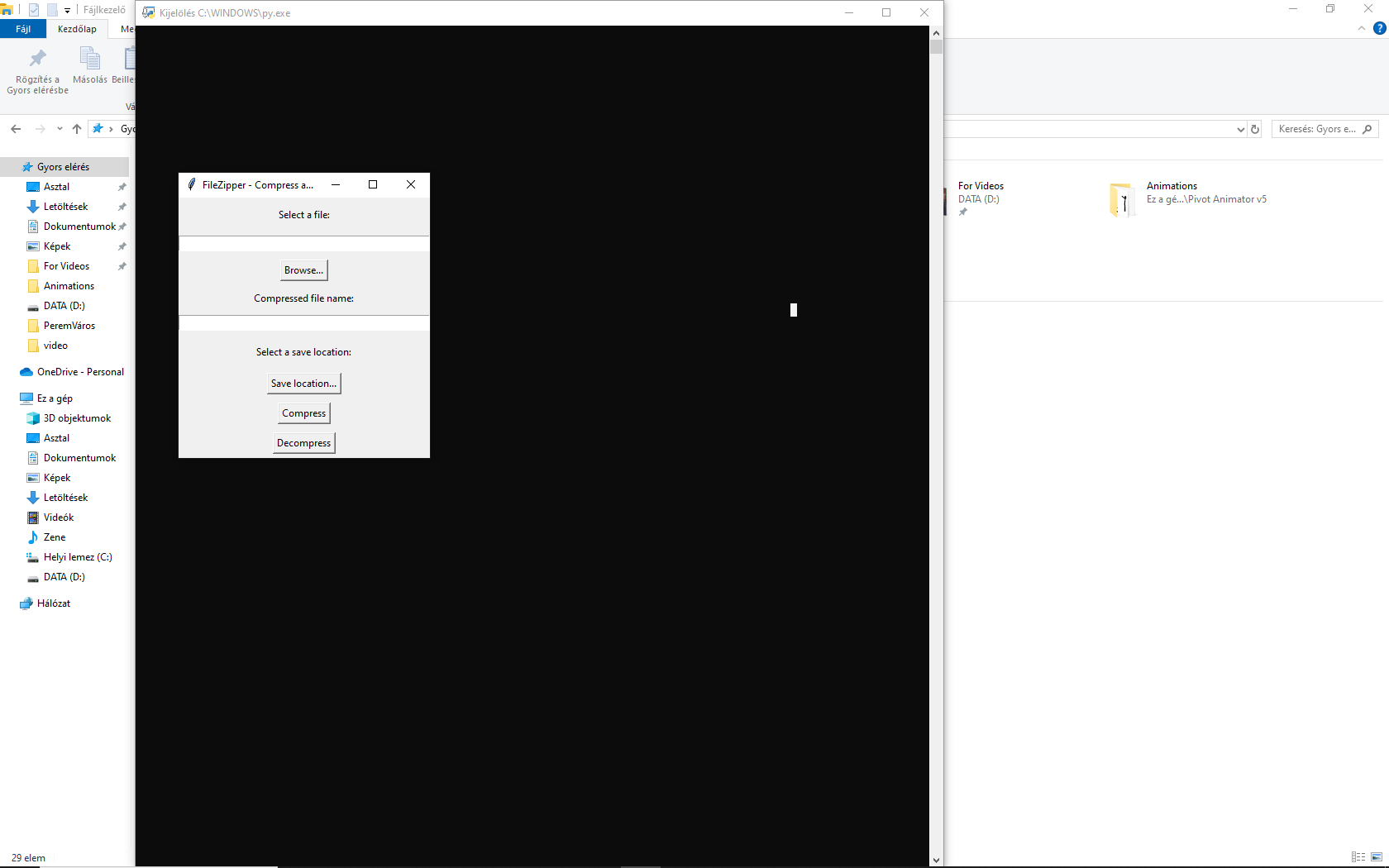
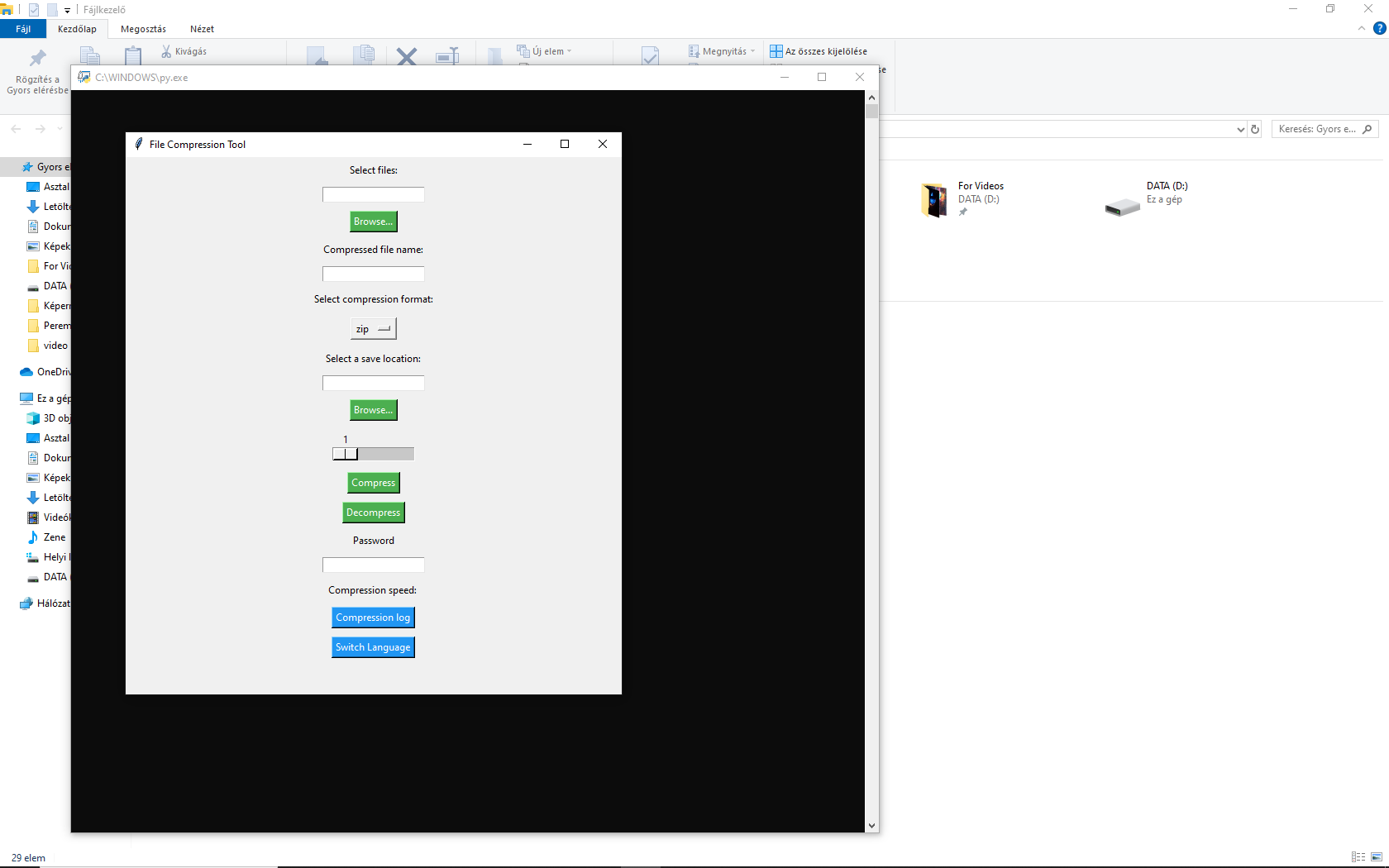
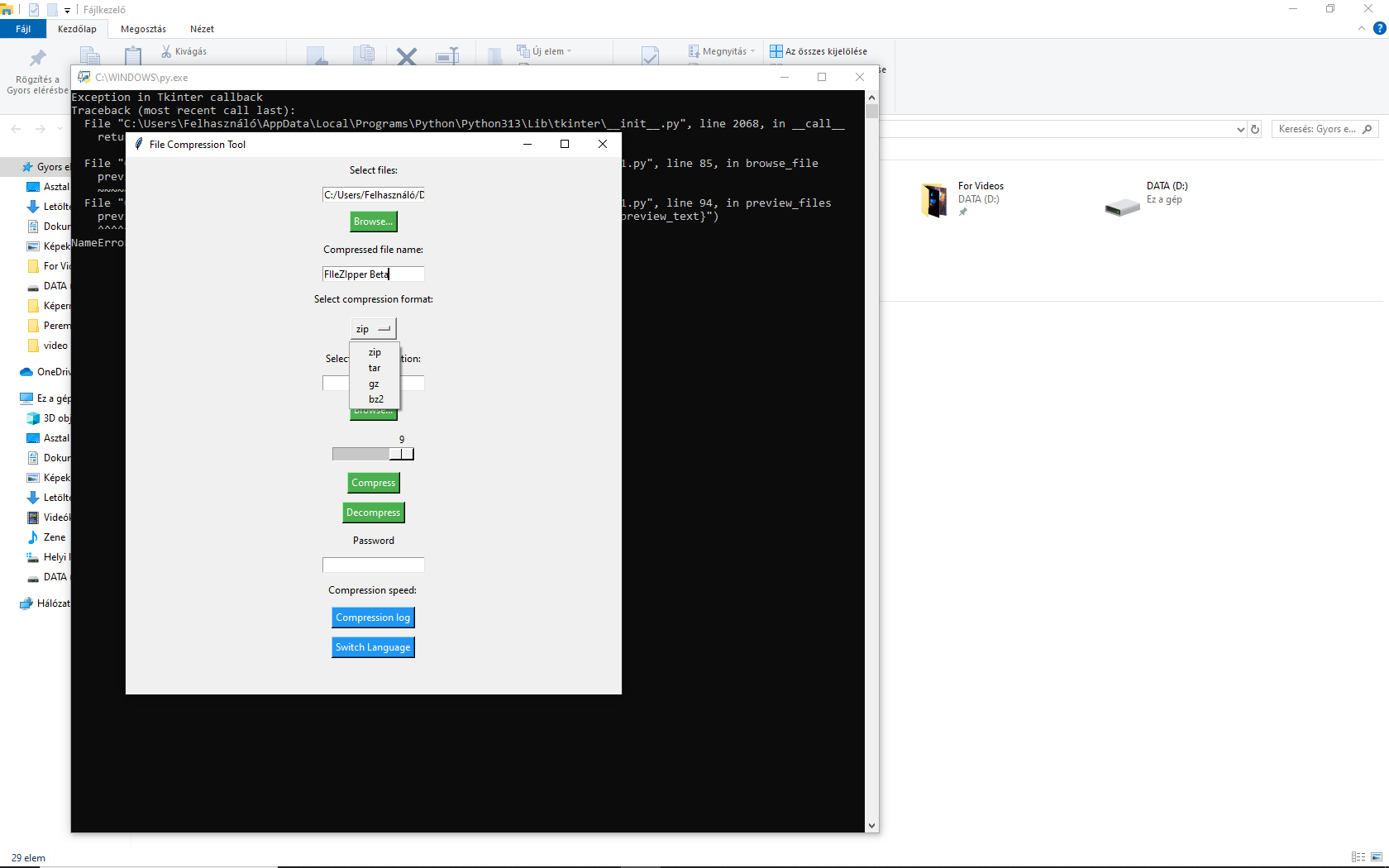
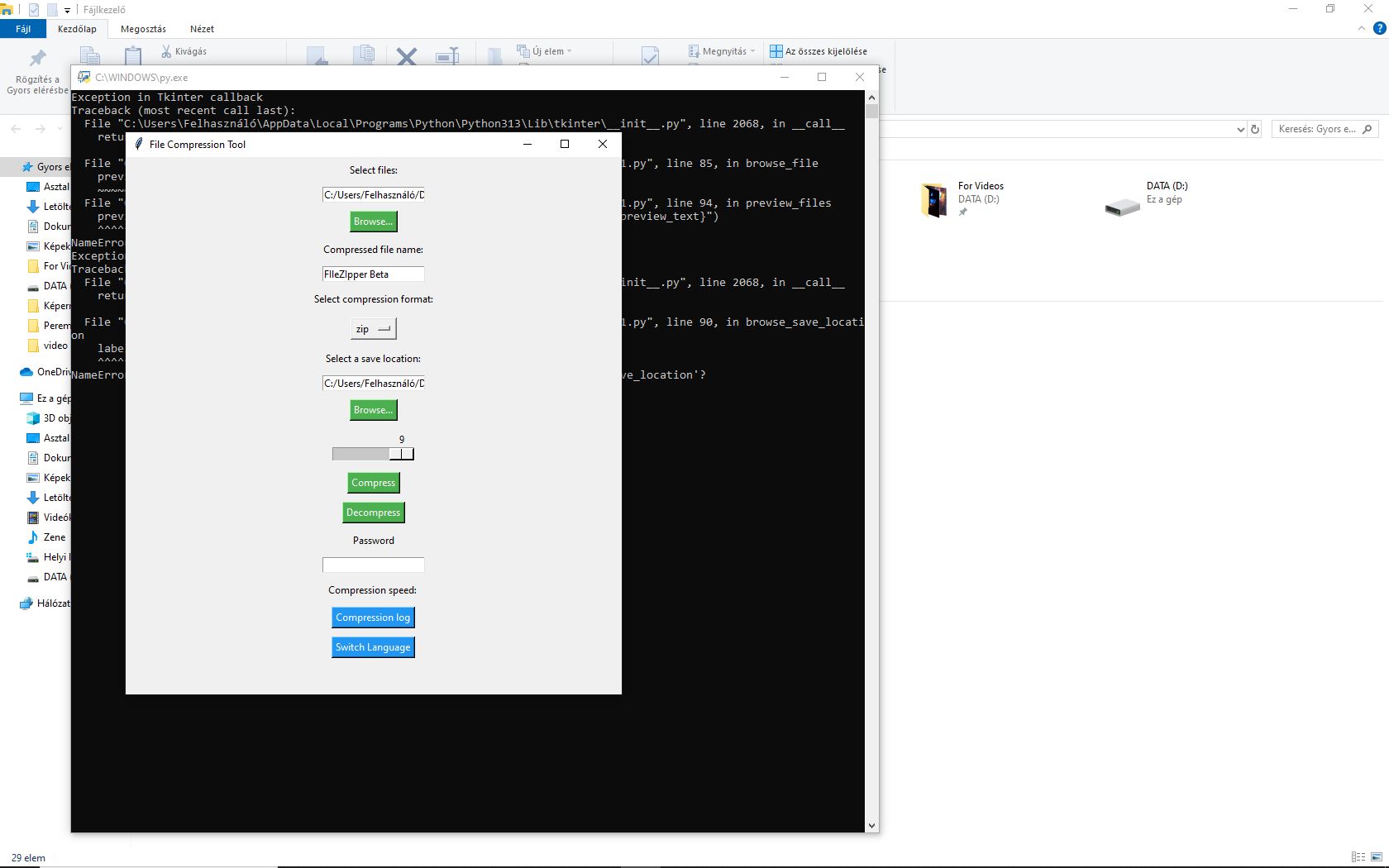
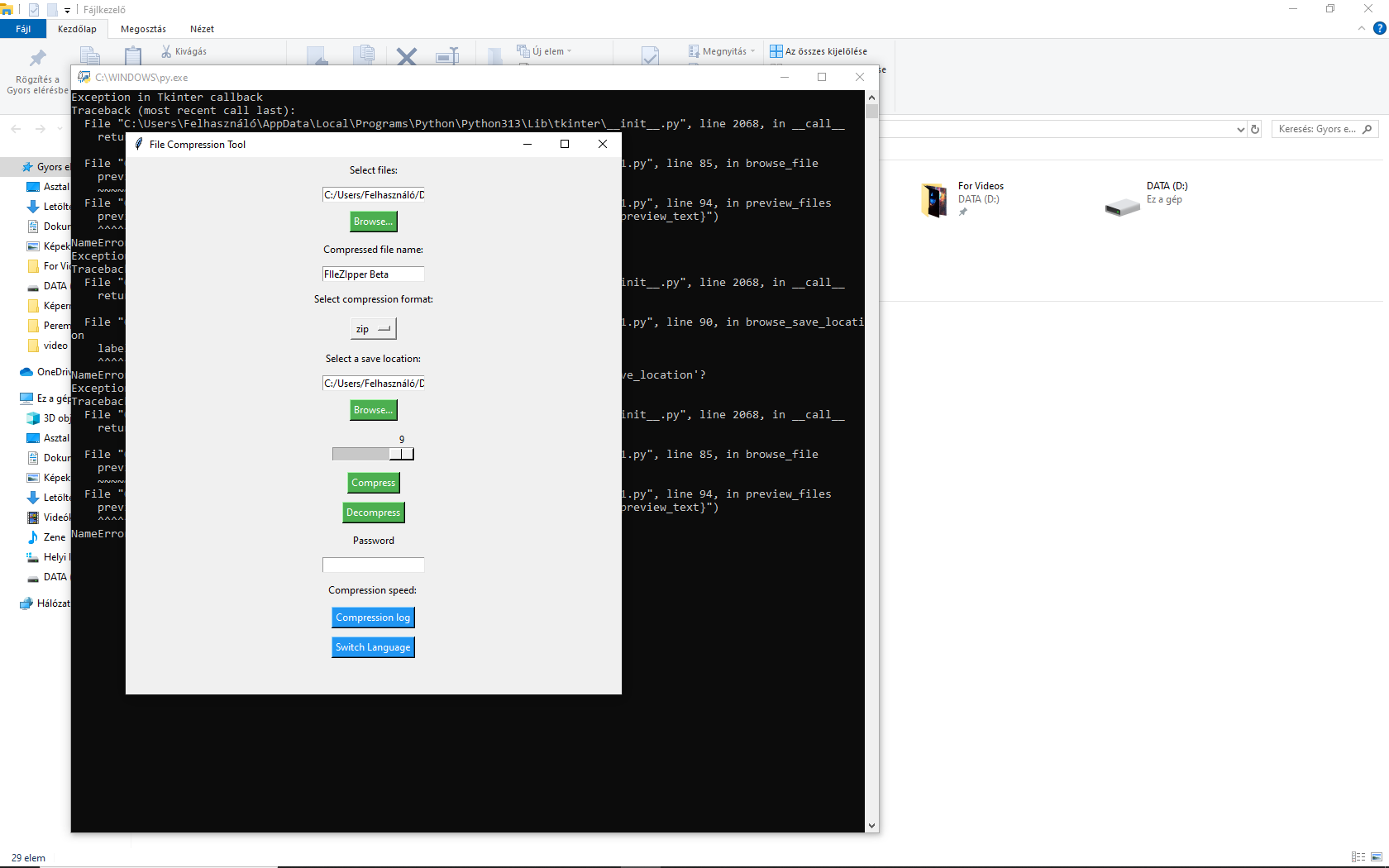
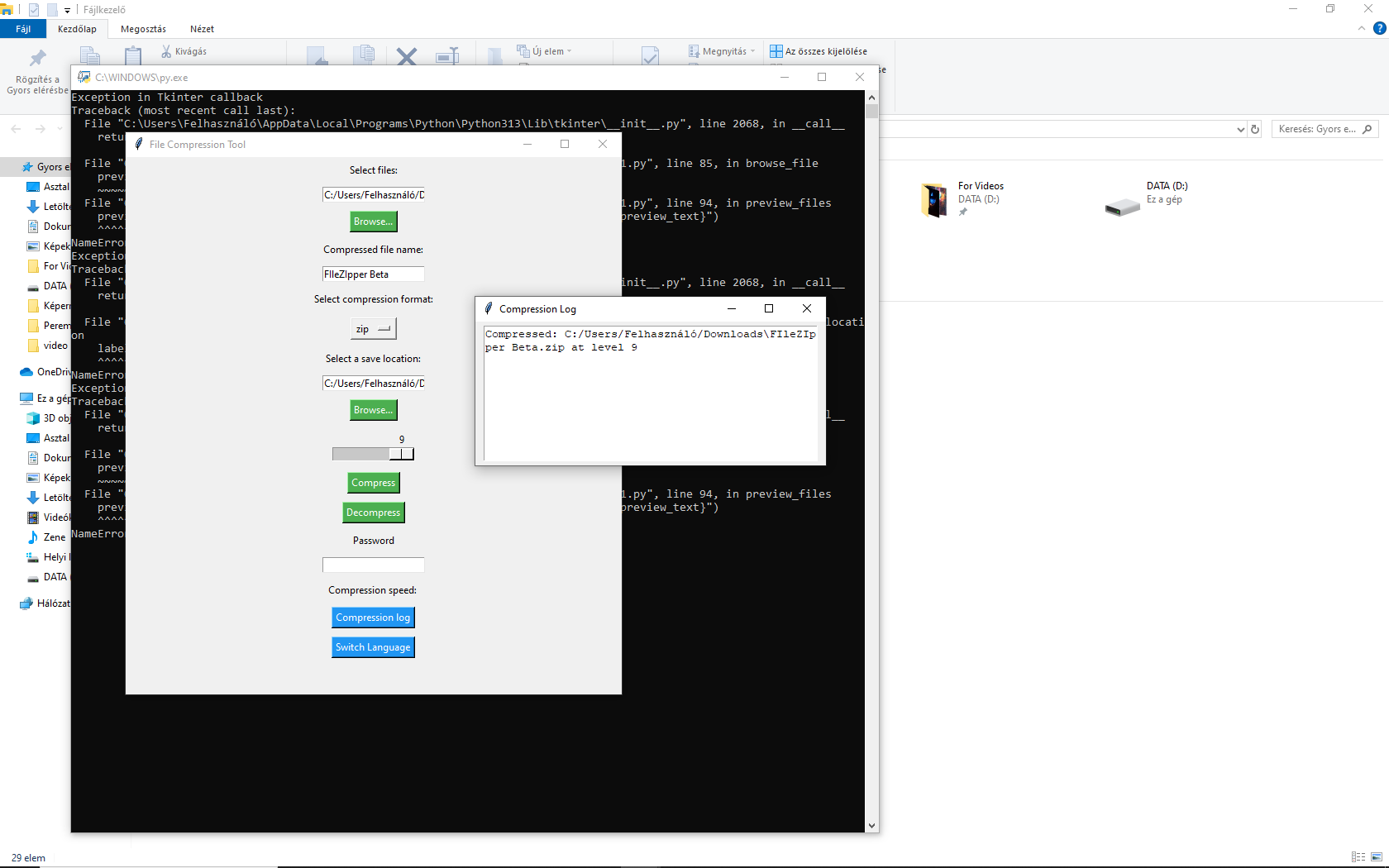
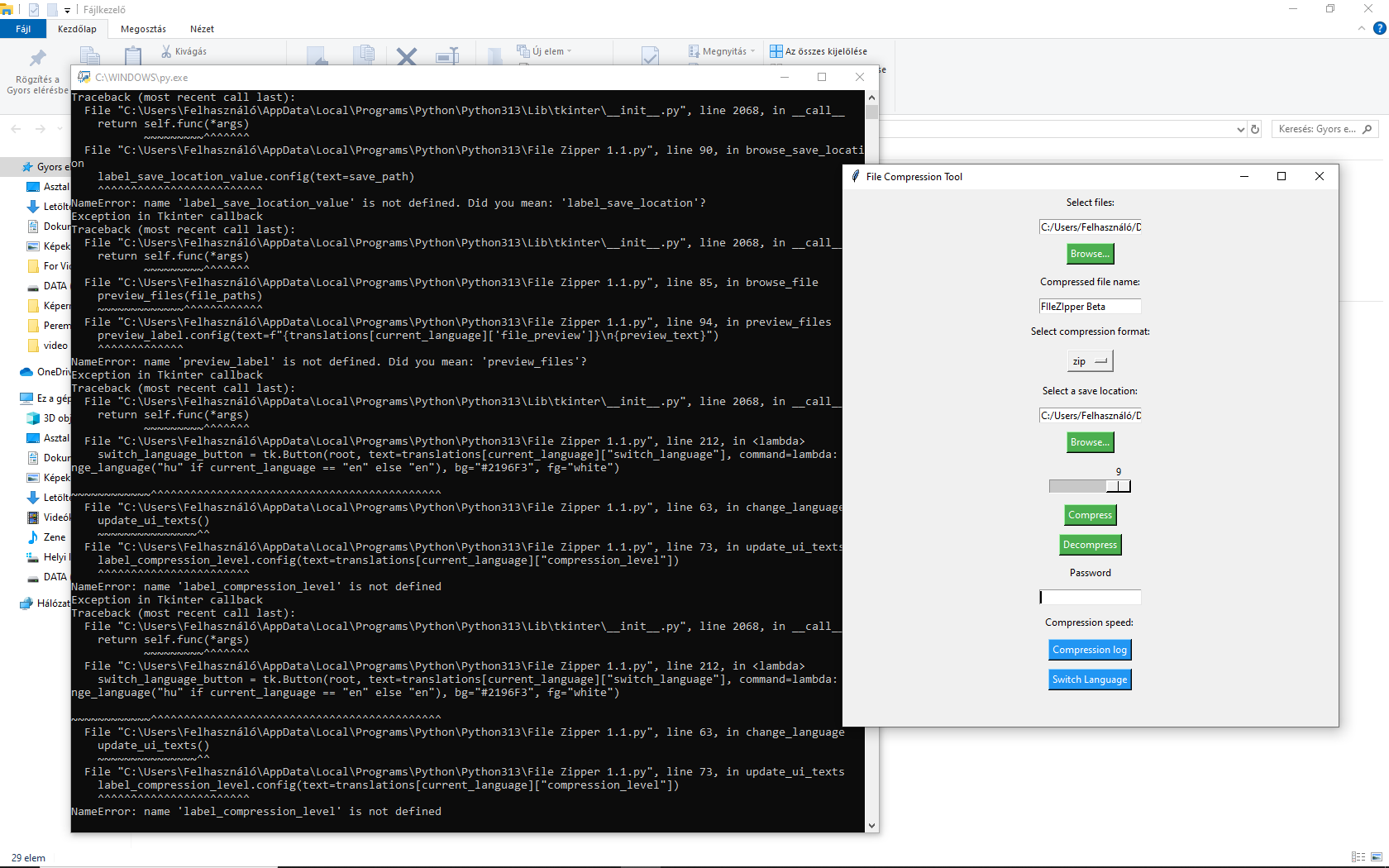
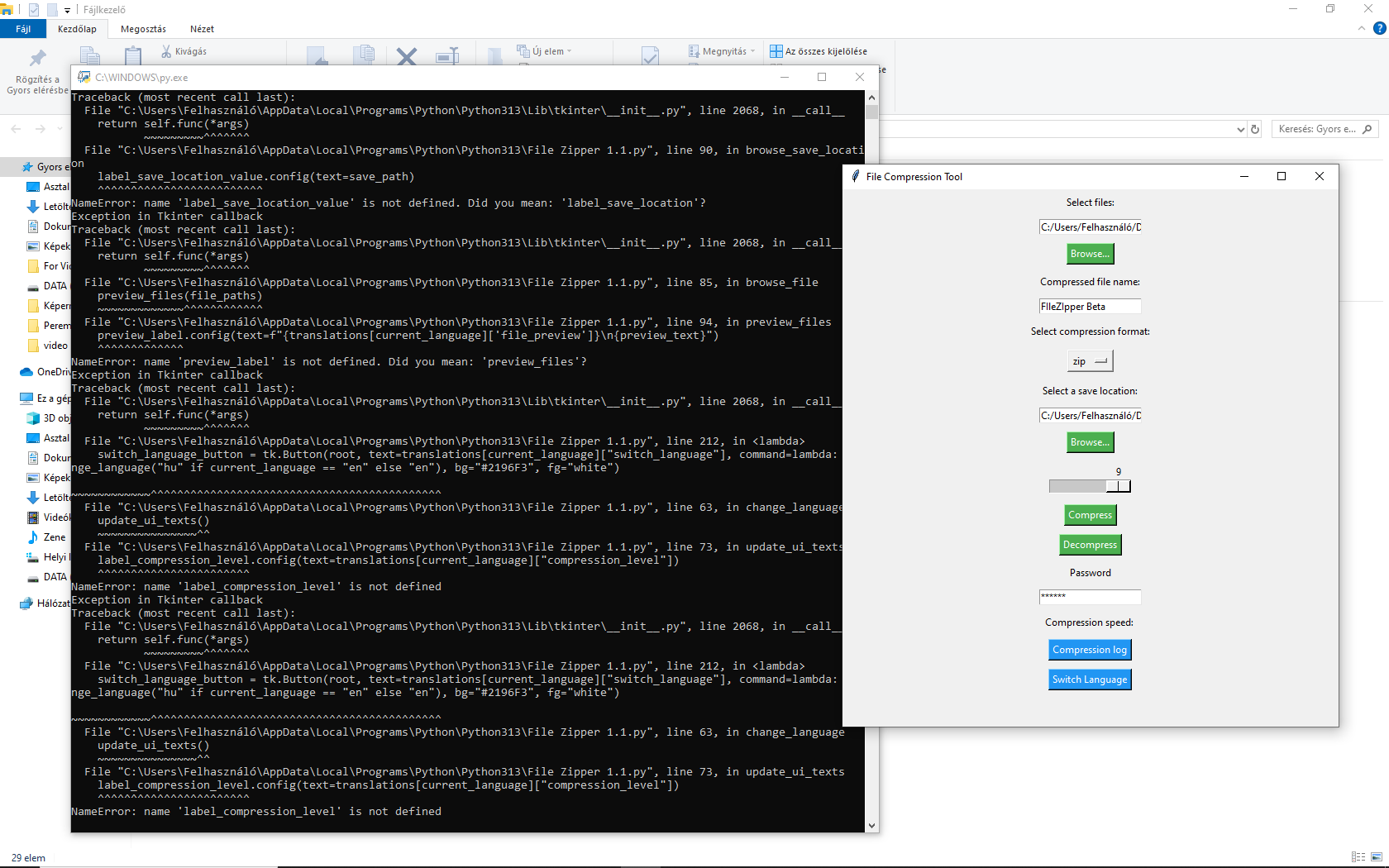
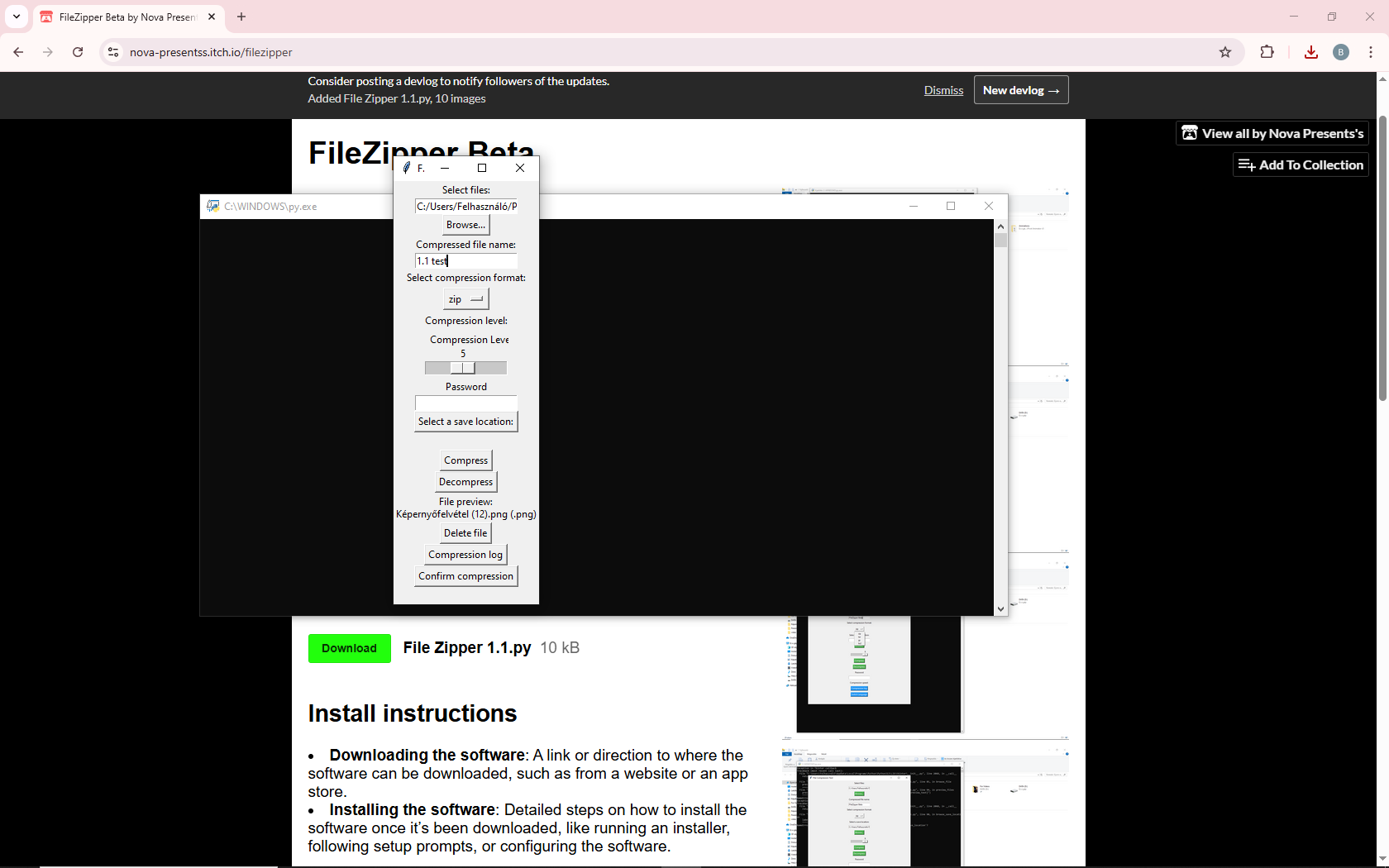
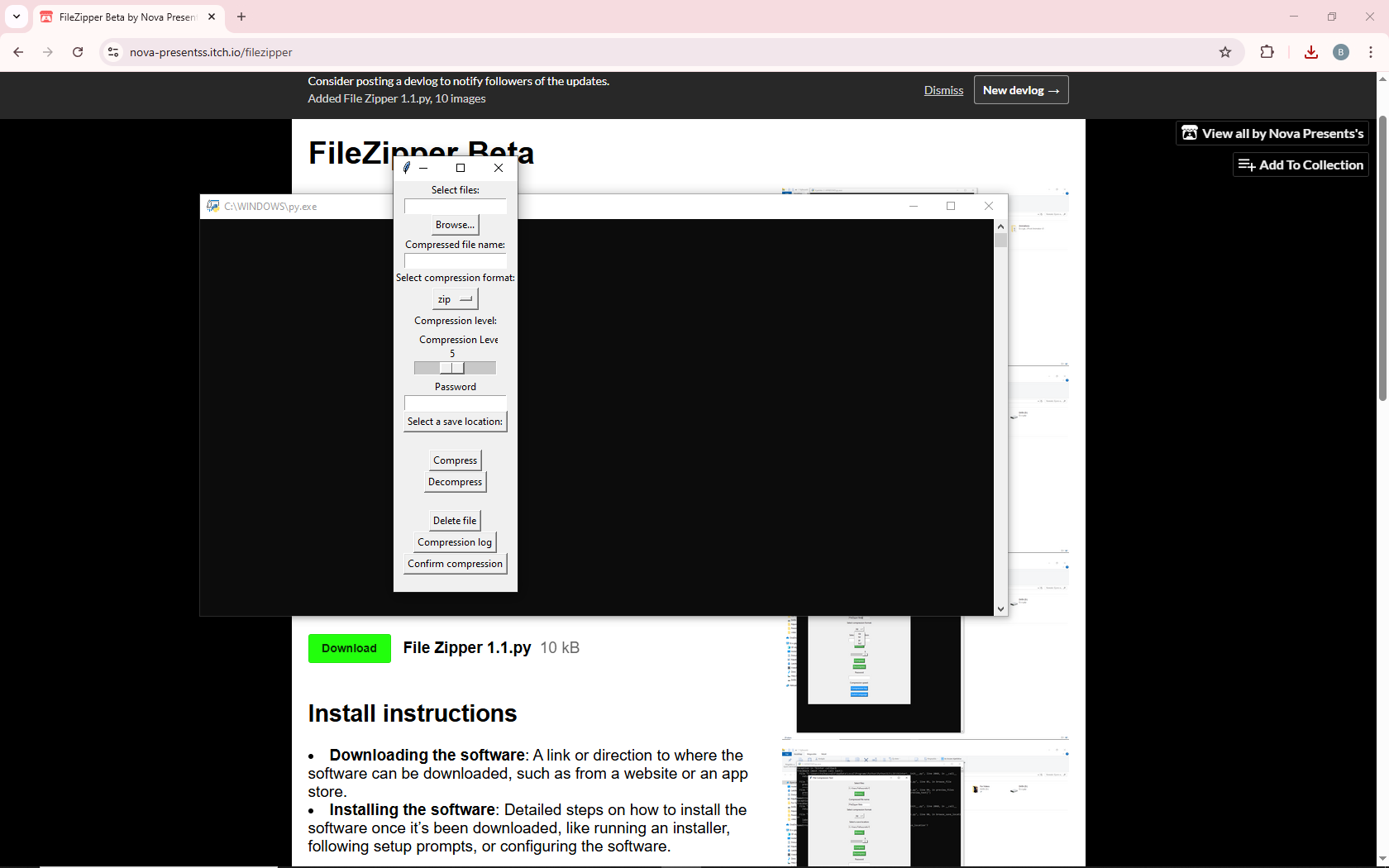
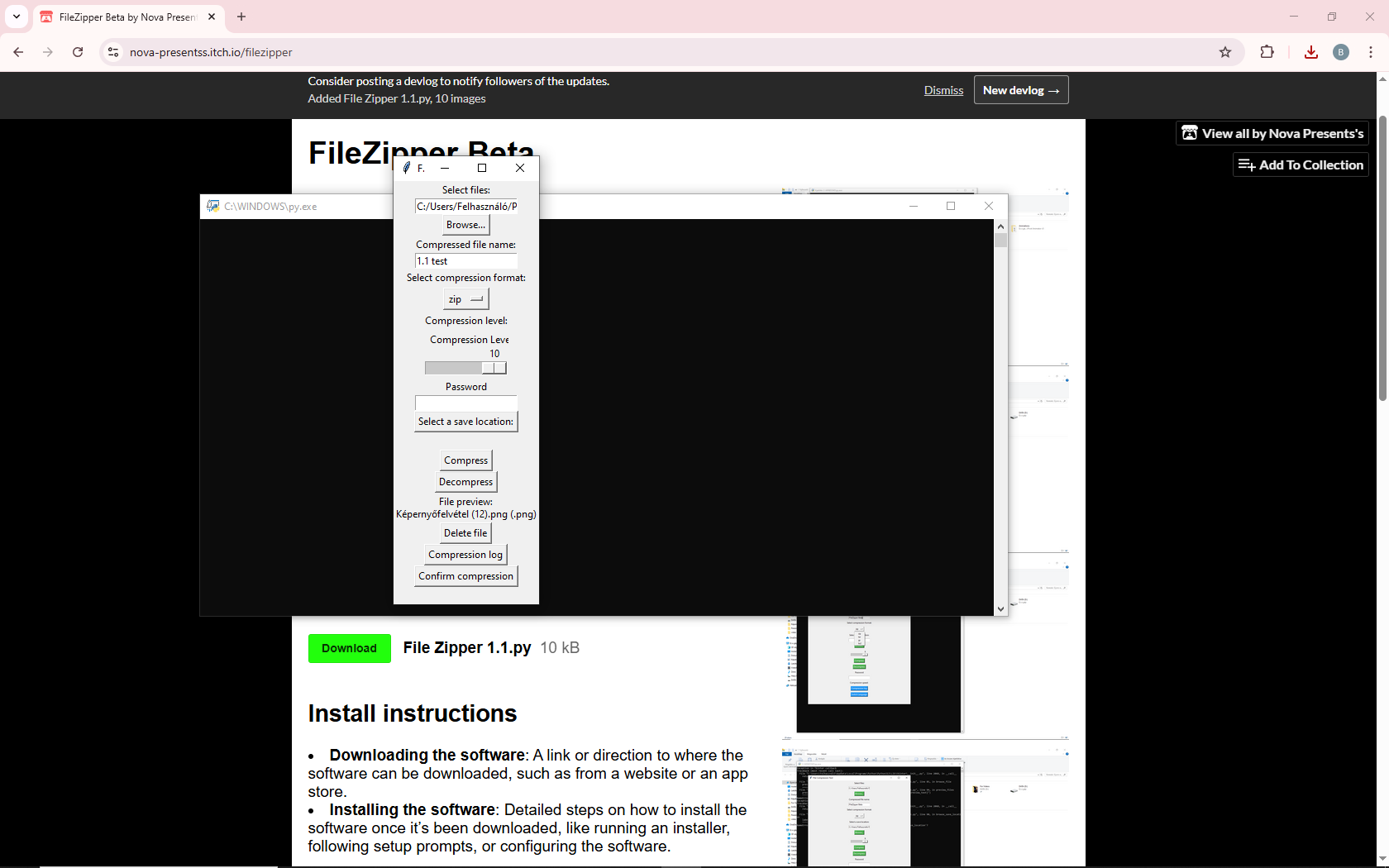
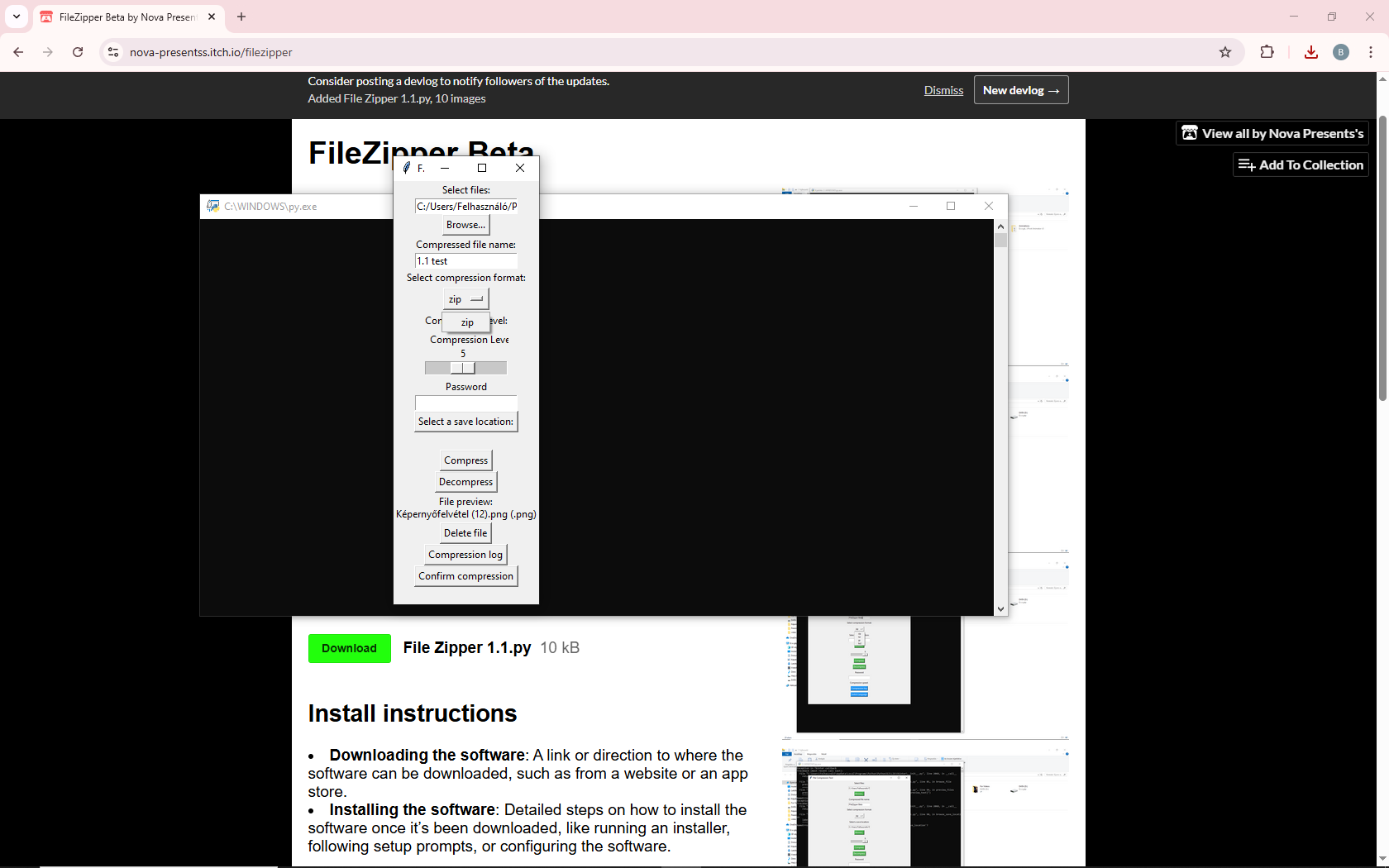
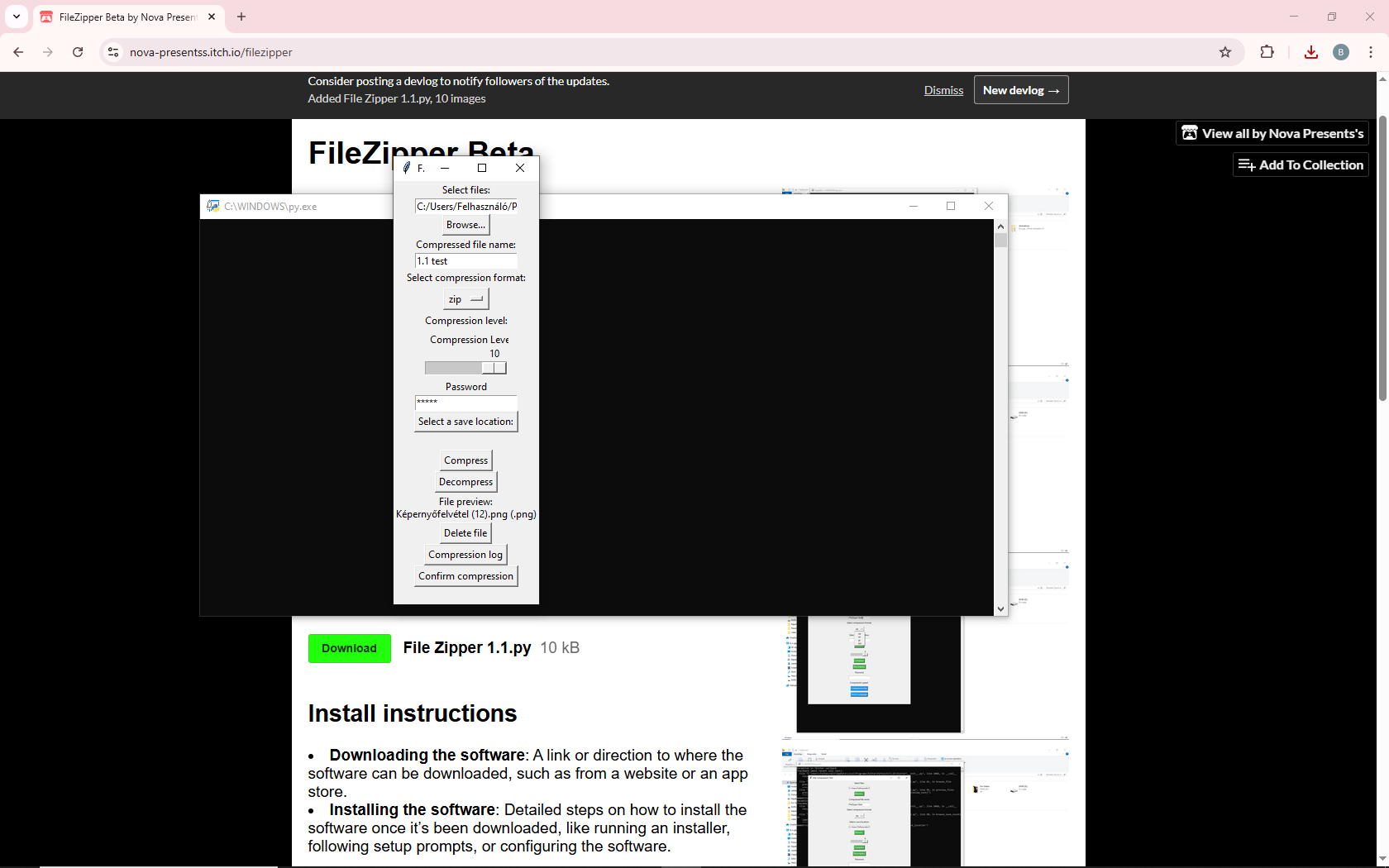
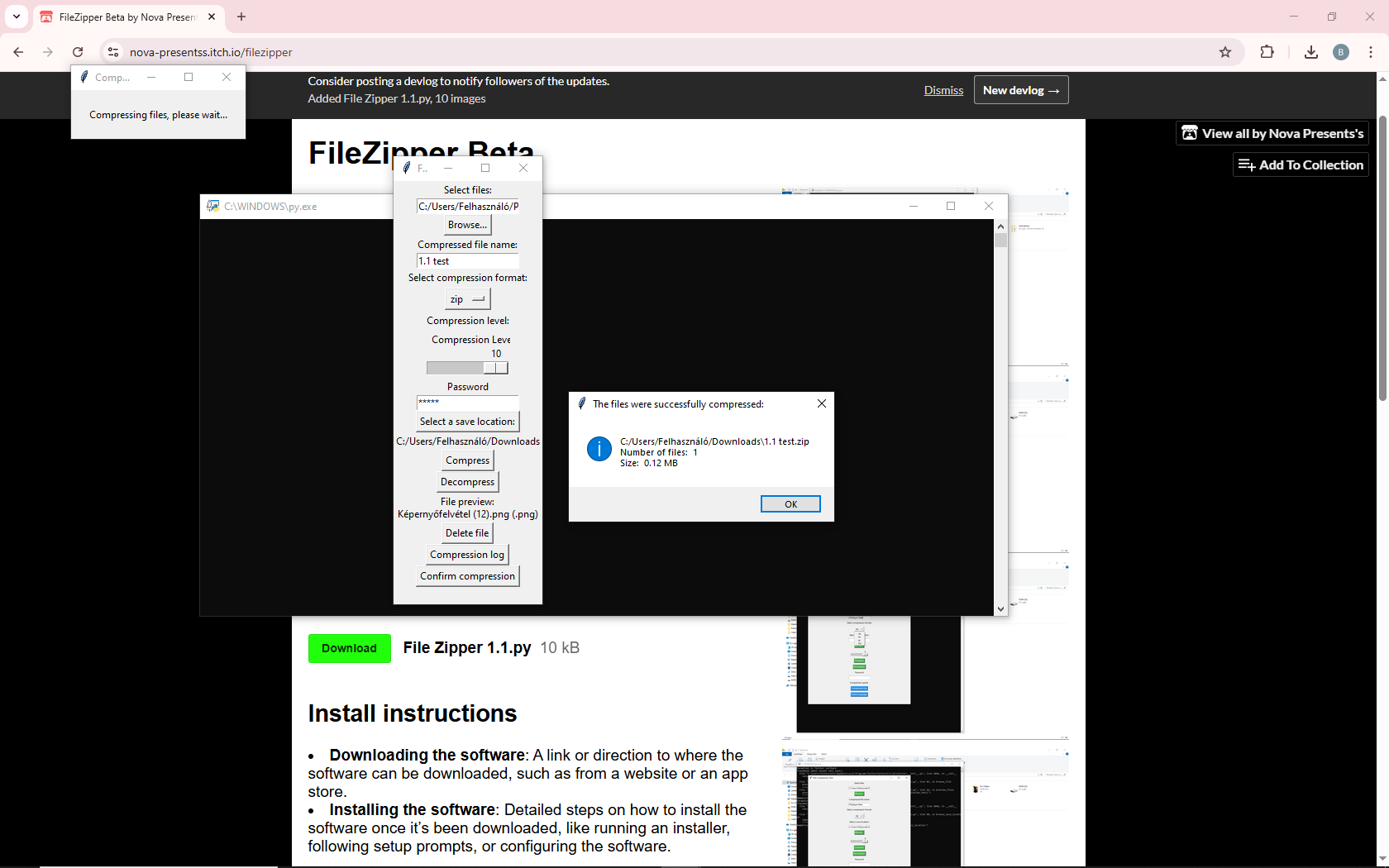
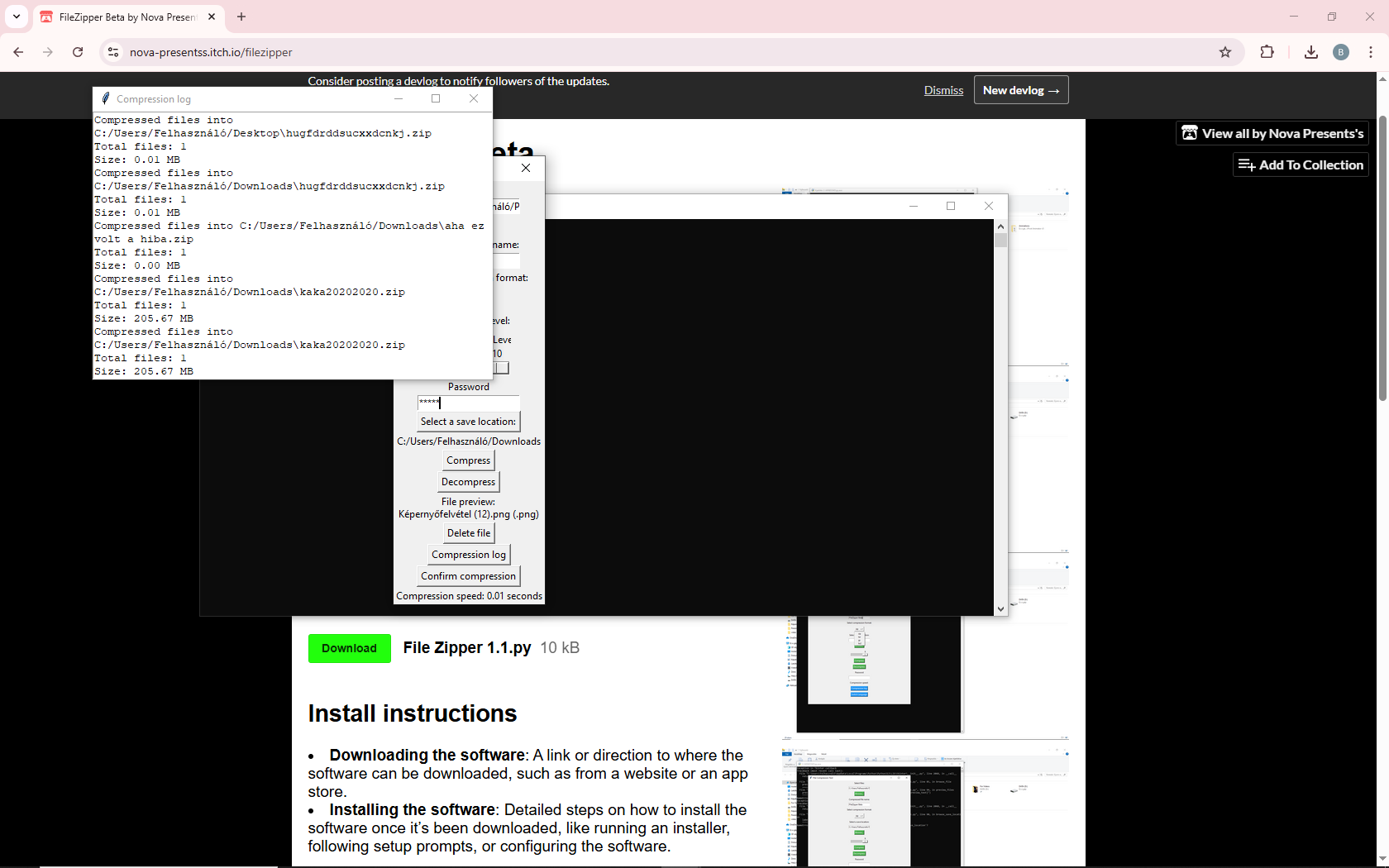
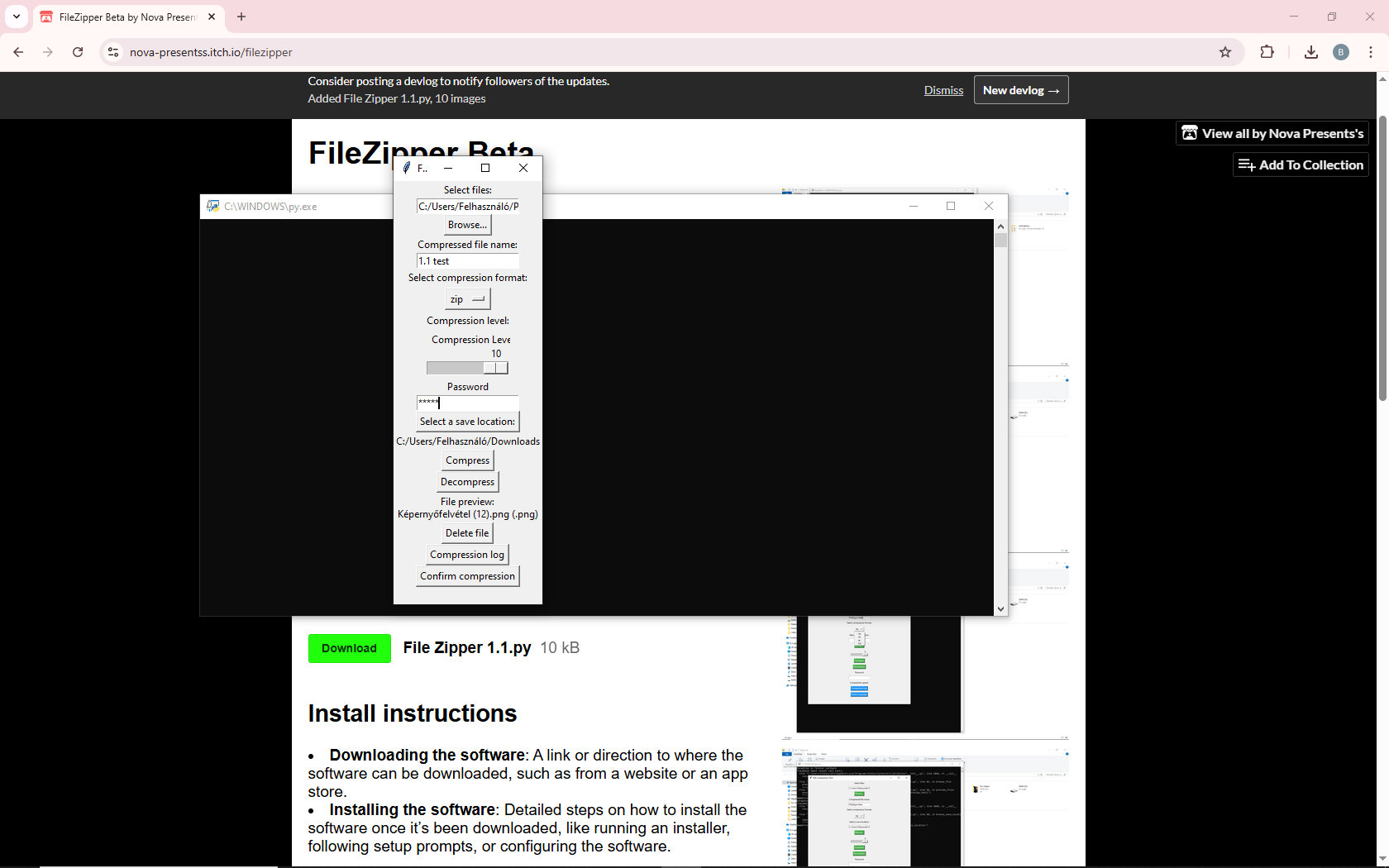
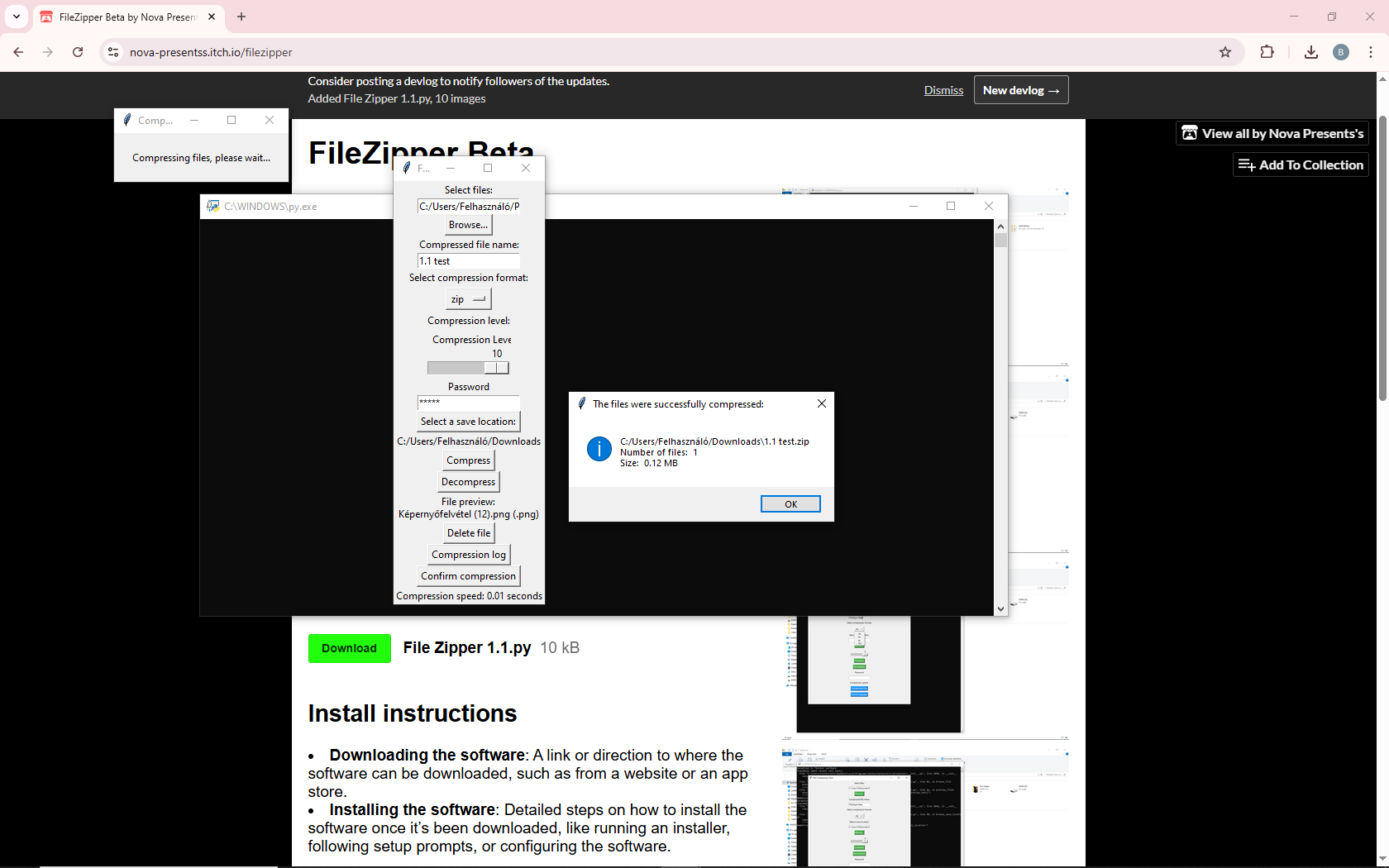
FileZipper is a simple and efficient tool for compressing and decompressing files. With an easy-to-use interface, you can quickly select files, choose a name for the compressed file, and pick the save location. Whether you need to create smaller backups or unpack compressed data, FileZipper handles it all with ease. Simply browse, compress, and decompress your files with just a few clicks.
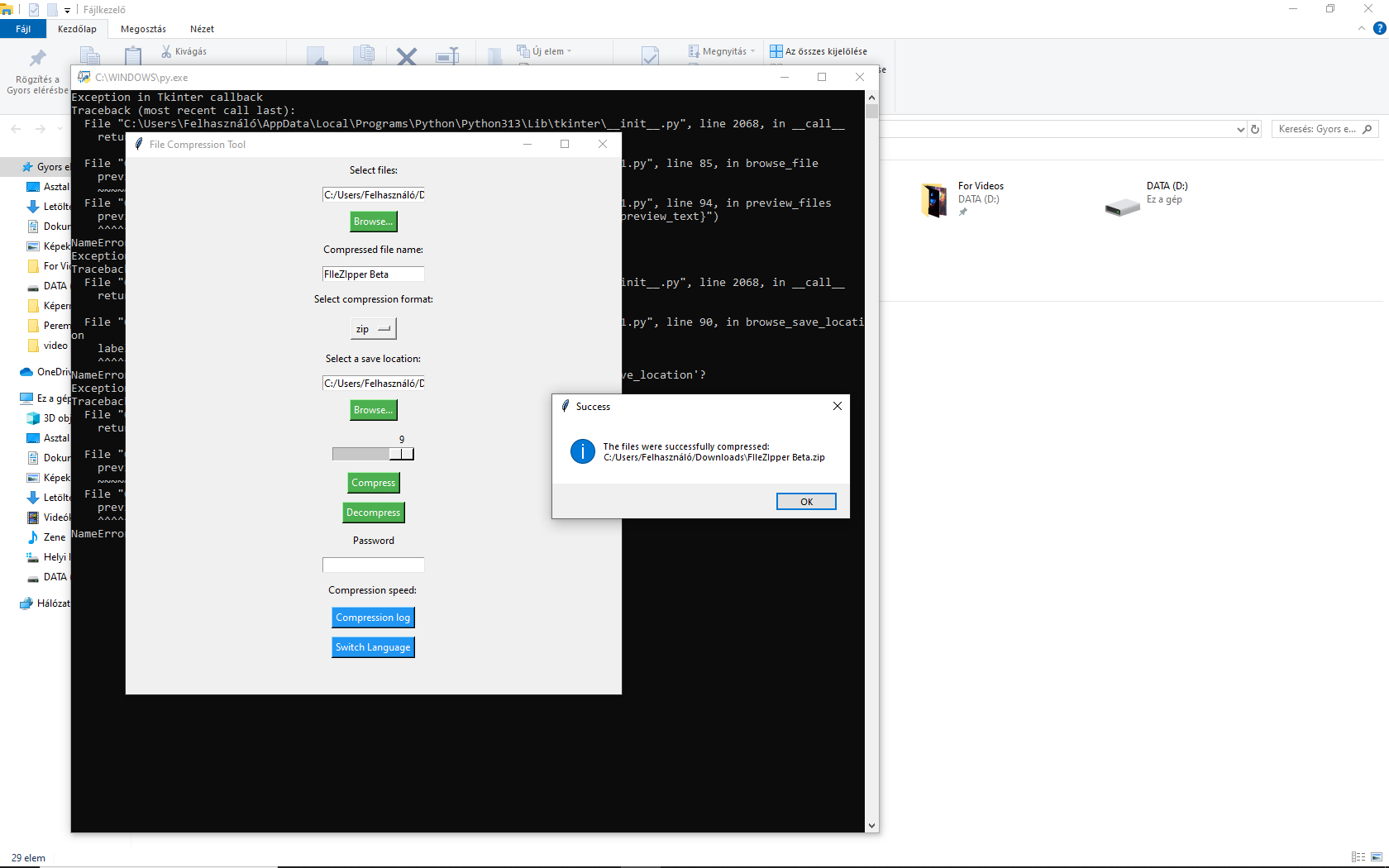
- Compress files into .gz format: Choose your file, name the output, and save it to your preferred location.
- Decompress .gz files: Extract files from .gz archives to any folder you choose, all from within the user-friendly interface.
Download
Install instructions